Digital
Explore original circuits across striking digital environments built for pure racing excitement.
 DriveForge Racing
Race digital circuits, command real cars,
or bring both together.
Use compatible Anki DRIVE™ and Anki OVERDRIVE™ cars.
Connect to the host’s Wi-Fi, then open DriveForge Racing.
Explore original circuits across striking digital environments built for pure racing excitement.
Connect and command compatible real cars with intuitive controls. Feel the same thrill beyond the screen.
Follow real cars with live digital twins and virtual battles. One experience, more possibilities.
Choose your circuit, your car and your rivals. Then make your garage your own.
Race with compatible DualShock 4 and DualSense controllers on Android and Android TV. Pair your pad, then select it in DriveForge Racing Settings. Touch controls are available on phones and tablets.
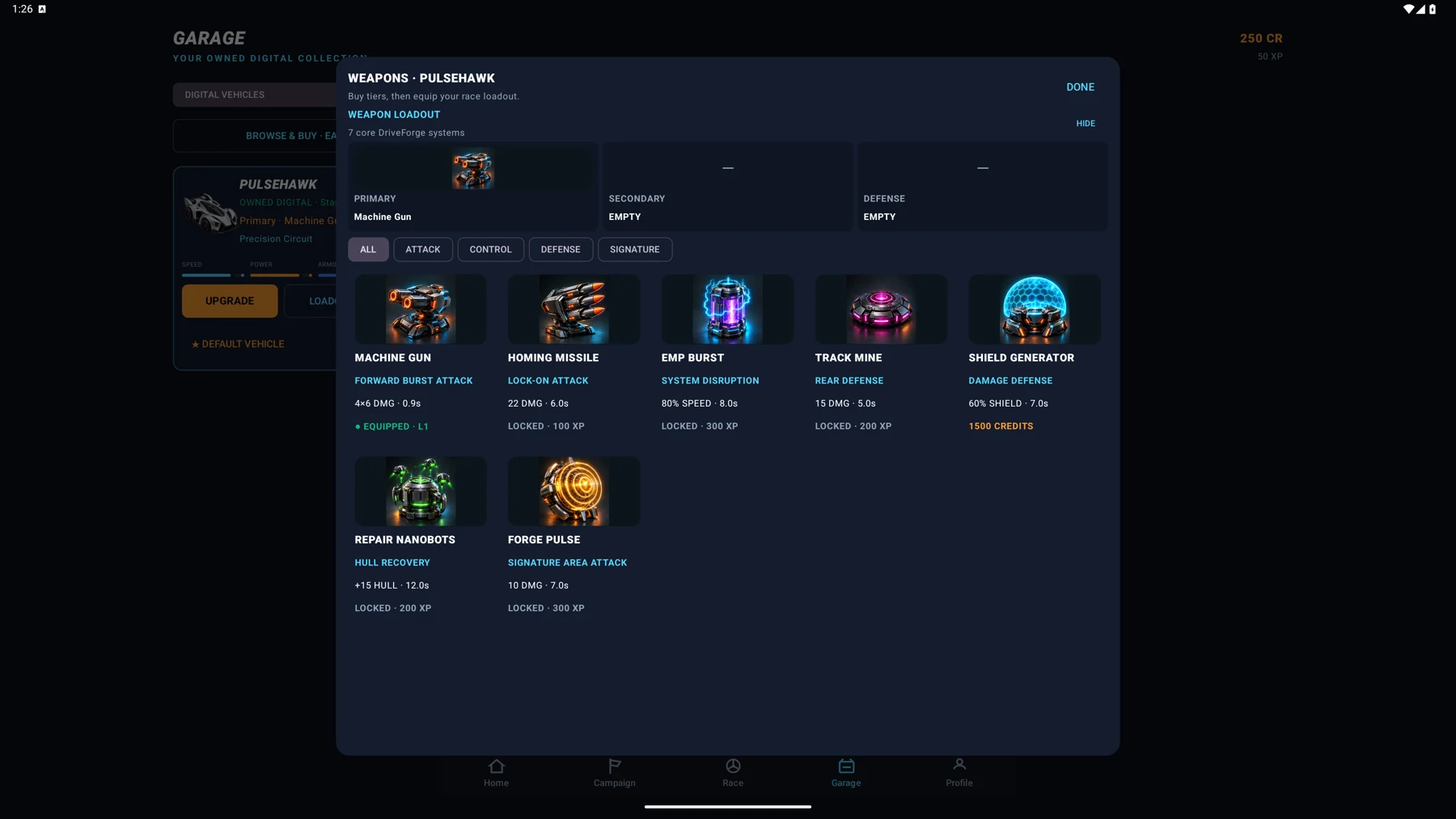
Spend earned Credits on digital vehicles, performance and combat upgrades. Equip primary, secondary and defensive systems. Connected physical cars have their own Garage and tuning.
Take on Battle Race and Battle with virtual weapons, shields and countermeasures. Choose standard Race, Time Trial, Elimination or King of the Track for a different challenge.
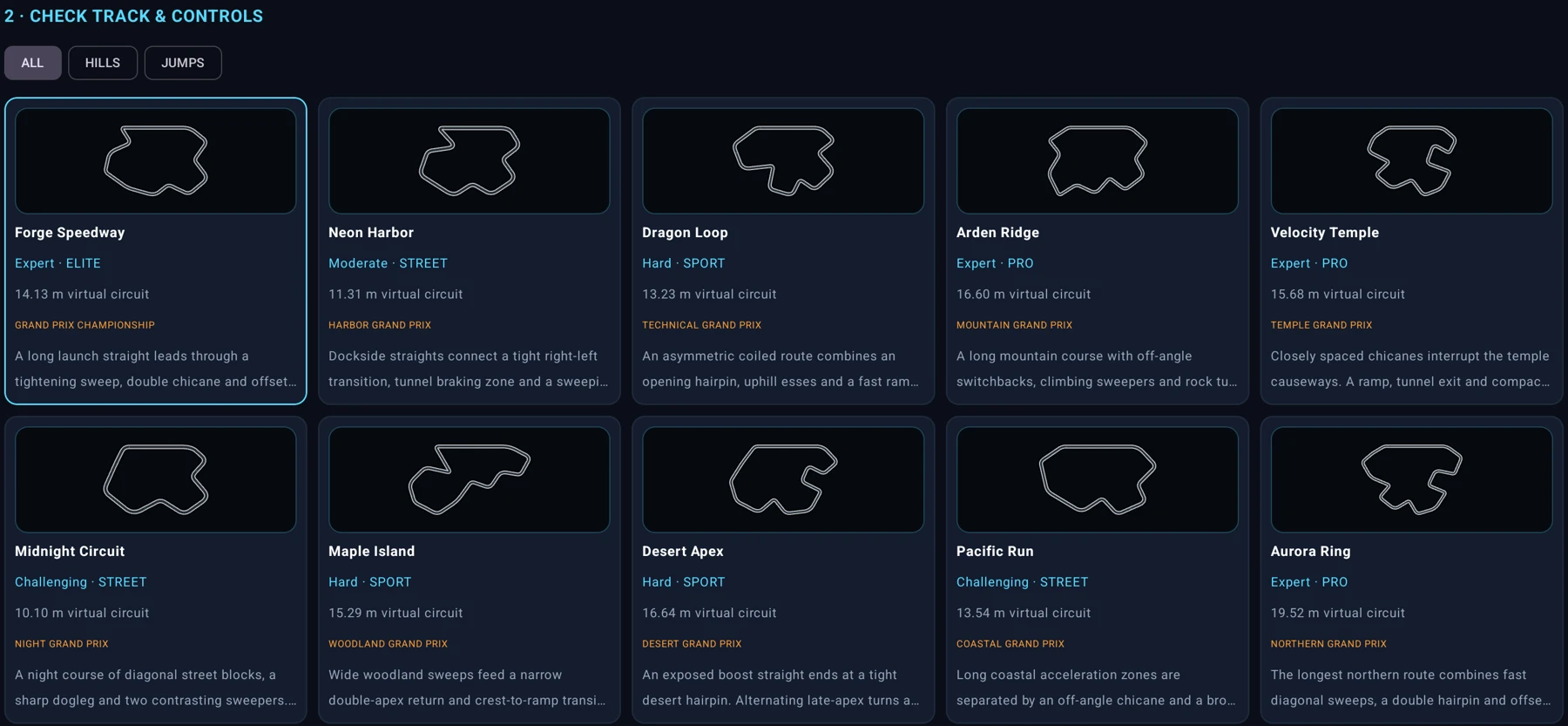
Explore Forge Speedway, Neon Harbor and eight more original circuits. Discover technical turns, hills, tunnels and jumps. Every digital circuit is available in Quick Race.
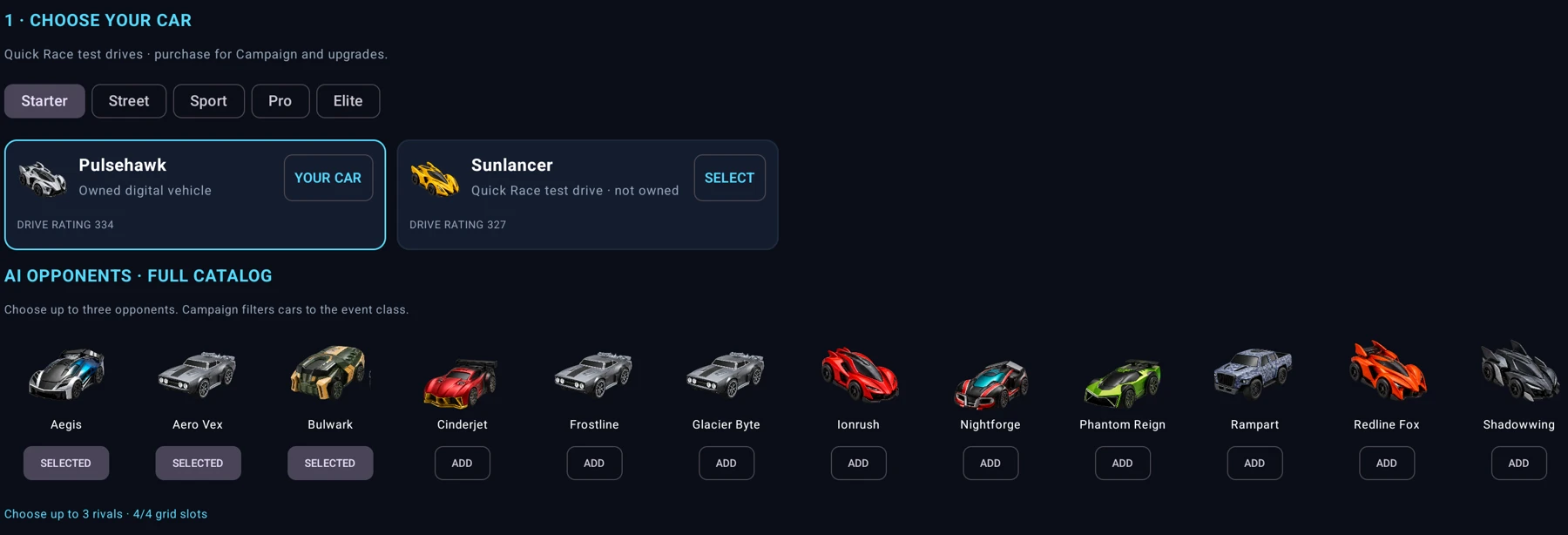
Test-drive available digital cars in Quick Race and select up to three AI rivals for a four-car grid. Campaign uses your owned digital cars or connected physical cars where the event supports them.
Work through campaign series and build your collection. XP advances career progression; Credits buy vehicles and upgrades. Pick OPEN, CLASS or SPEC rules when setting up a regular race.
Controller compatibility depends on your Android device and controller connection. Battles are virtual gameplay effects in Physical and Hybrid modes.
Original circuits. Your collection. One app for your phone and the big screen.
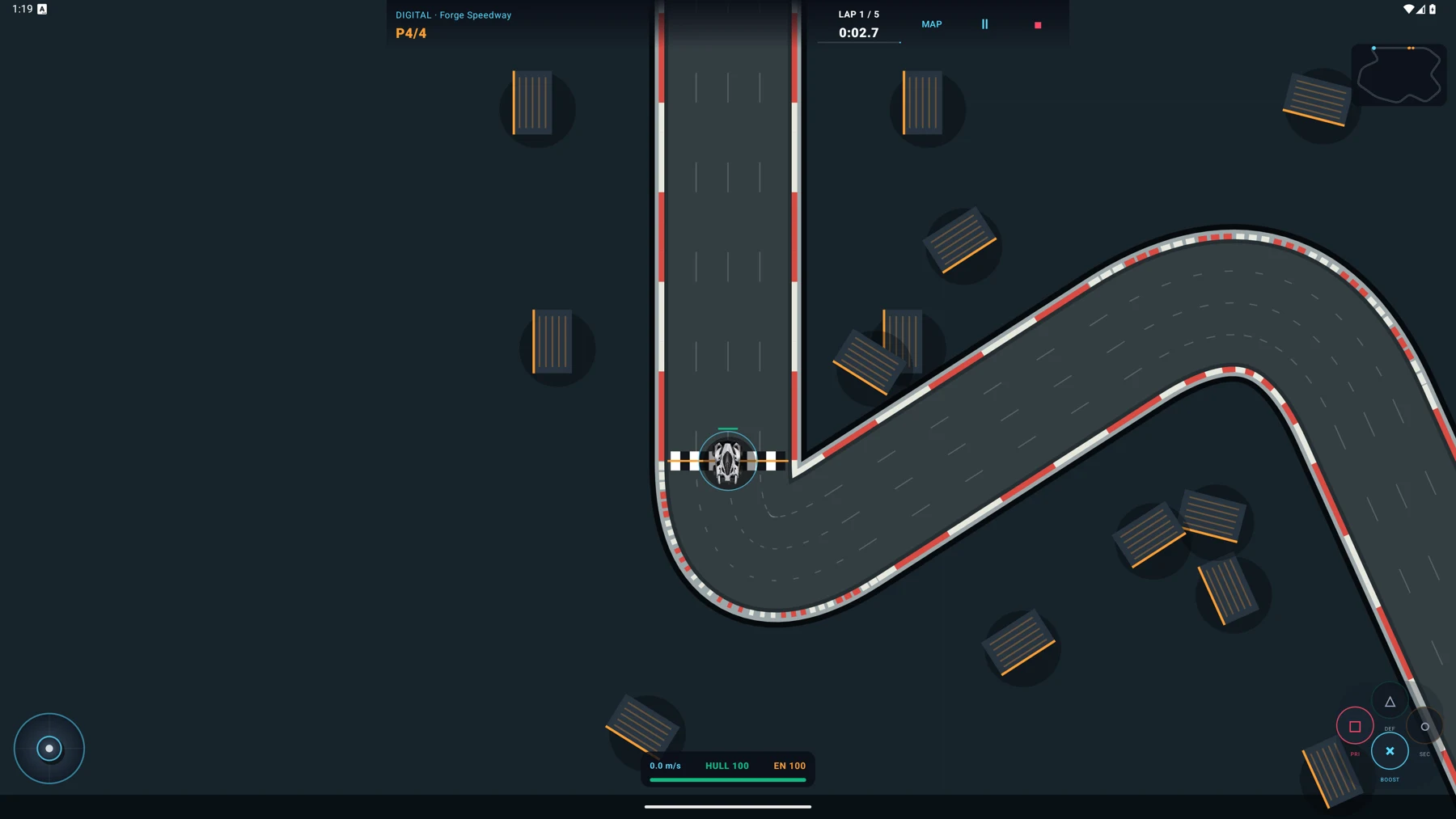
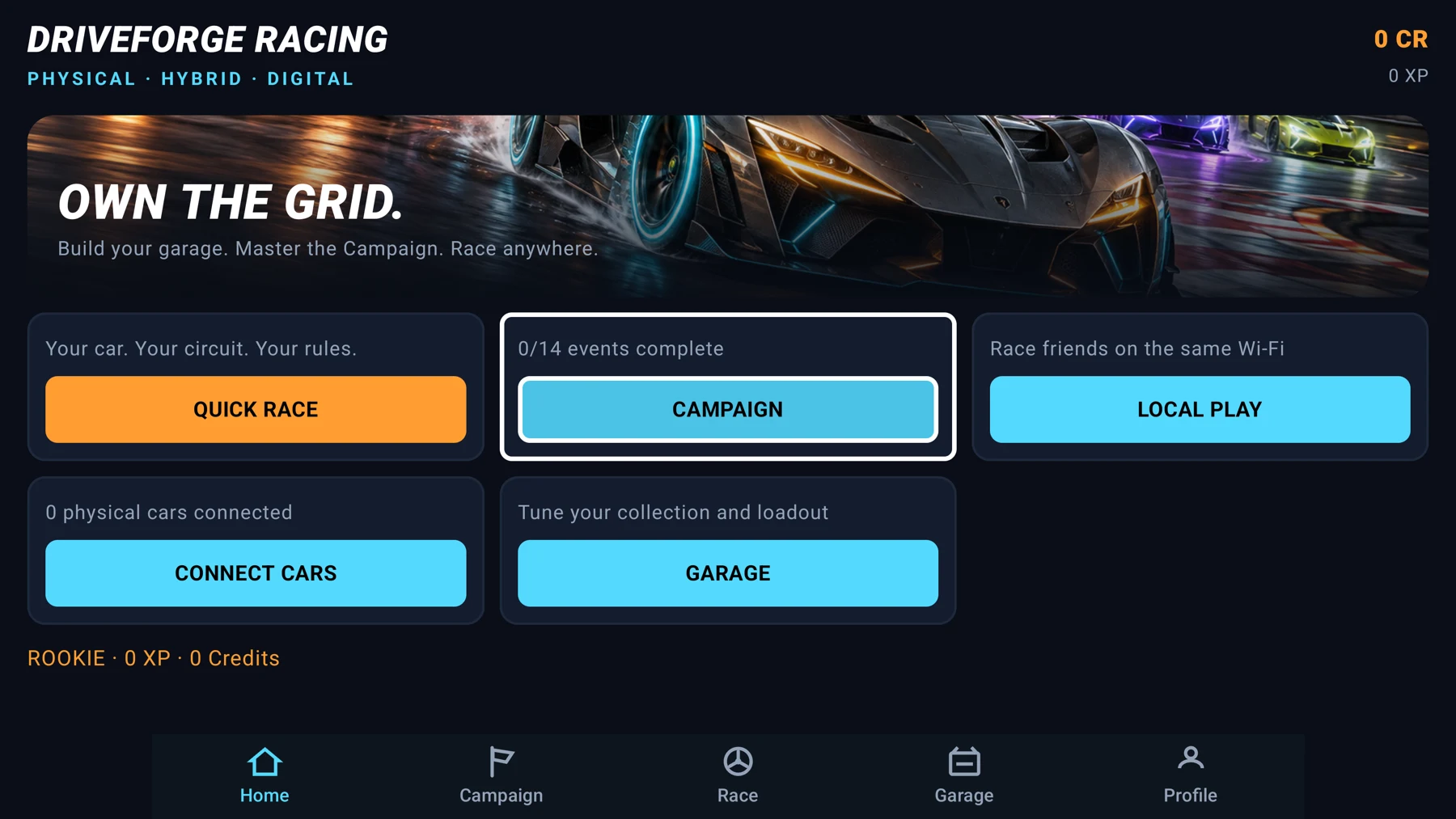
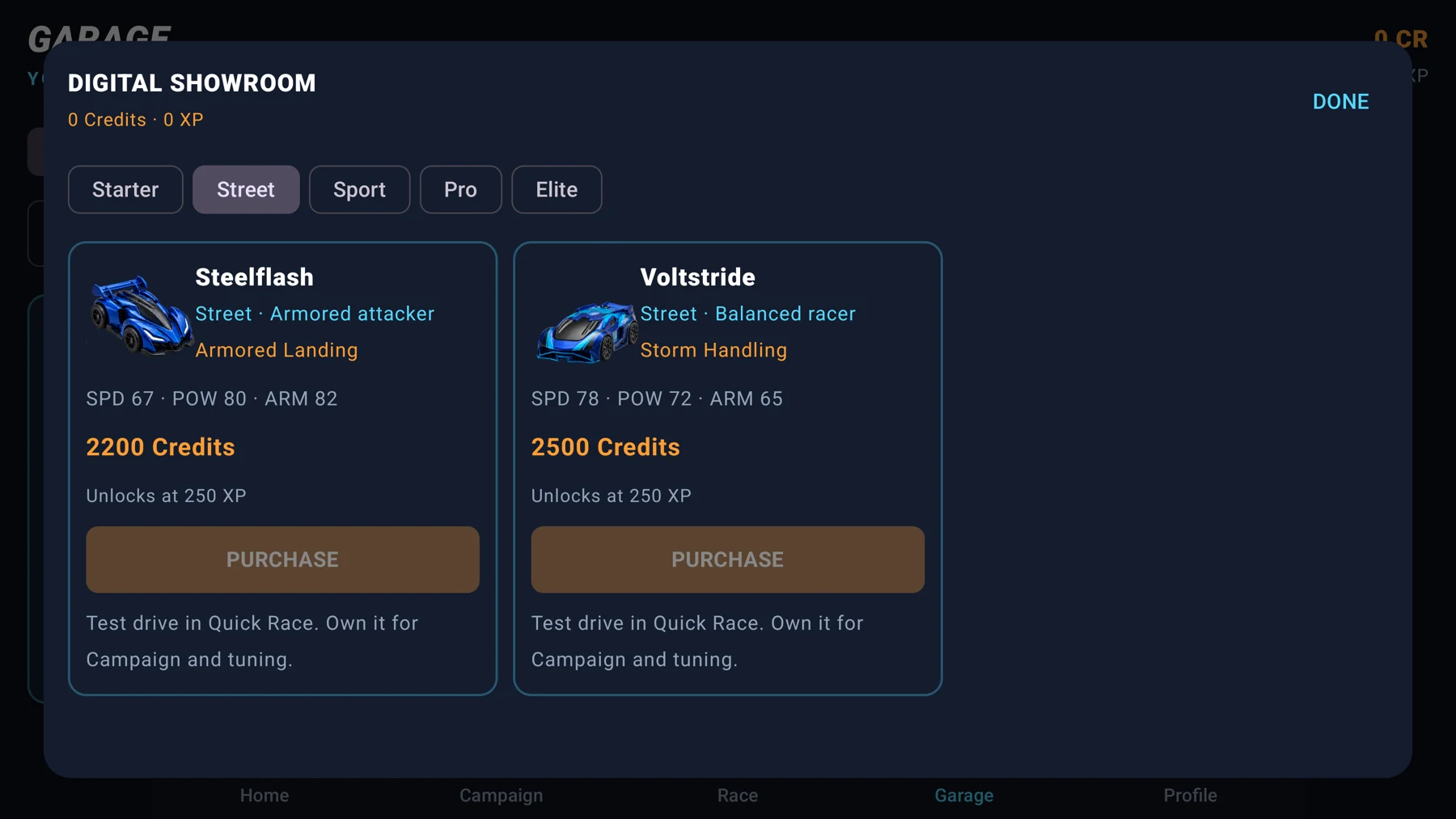
Actual in-app selection screens. Open any image to see the detail.
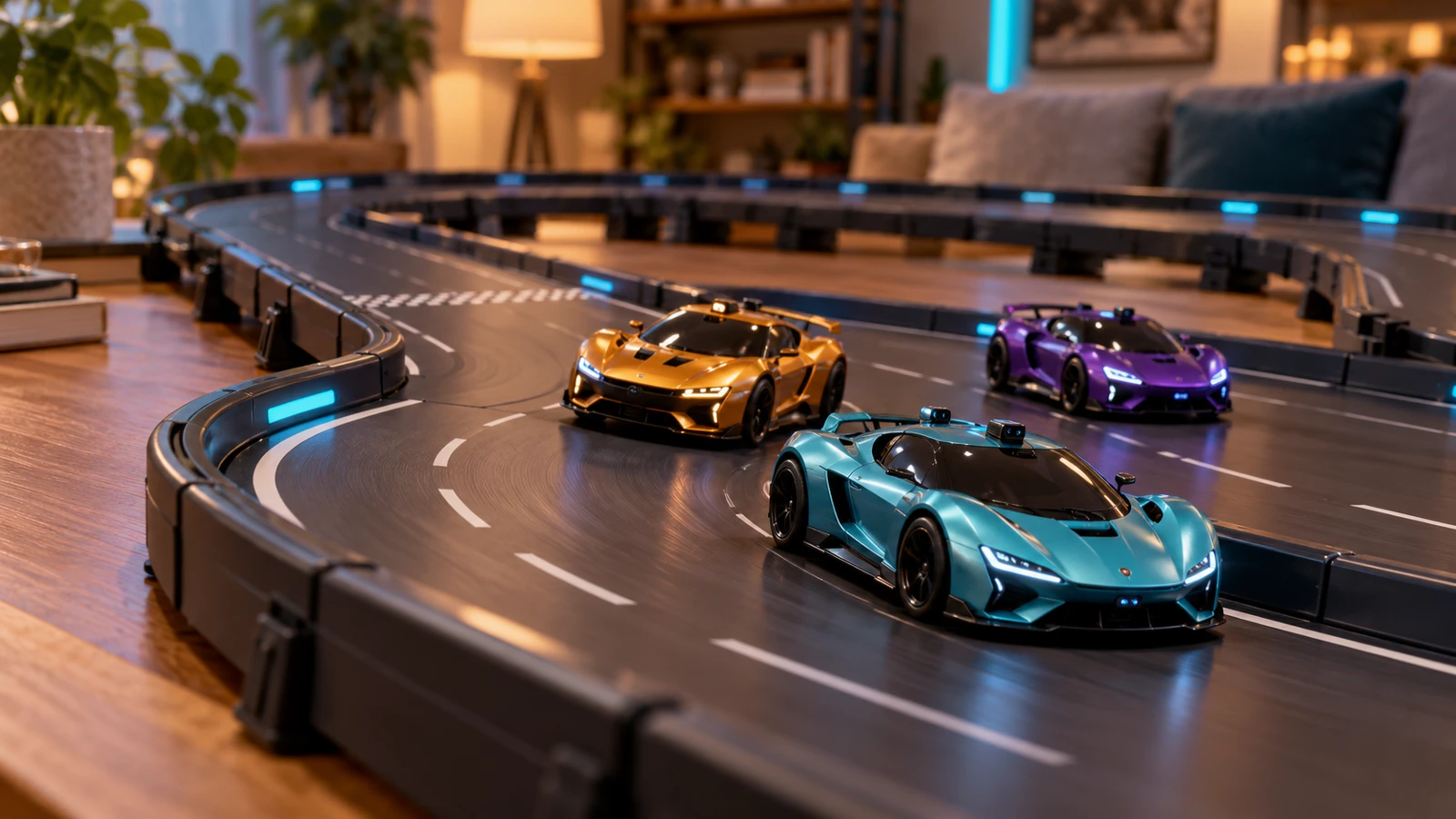
Use compatible Anki DRIVE™ and Anki OVERDRIVE™ cars and modular tracks with DriveForge Racing’s Physical and Hybrid modes. Connect compatible vehicles over Bluetooth, choose your circuit and take control.
Hybrid adds digital twins and virtual combat to your tabletop race. Weapons and damage are game effects, not physical vehicle capabilities.
Vehicle compatibility depends on model, firmware and Android Bluetooth support. Physical vehicles and tracks are required and are not included.Give your existing tabletop racing collection a new way to play with an independent Android racing game.
DriveForge Racing is designed to connect compatible original Anki DRIVE vehicles and later Anki OVERDRIVE vehicles over Bluetooth LE. Physical mode controls real cars; Hybrid mode adds digital twins and virtual racing battles. Vehicle support depends on model, firmware, charge and your Android device.
If you own Anki OVERDRIVE Supercars, Supertrucks or Anki OVERDRIVE: Fast & Furious Edition vehicles, check discovery and connection in DriveForge Racing before starting a physical race. Model-specific behavior can vary. Disconnect cars from another phone or the original app before connecting them here.
Digital races use original DriveForge circuits and simulated vehicles. No Anki cars or physical track are needed. Physical and Hybrid racing require compatible real vehicles and a track; hardware is not included with the APK.
DriveForge Racing is independently developed. It is not the official Anki DRIVE or Anki OVERDRIVE app and is not affiliated with, endorsed by or sponsored by their trademark owners. Product names identify compatibility only.
Get DriveForge Racing on your Android device in just a few steps and start your journey.
Use the Download APK button on this page, then open driveforge.apk from your Downloads.
If prompted, open Settings → Install unknown apps and allow the browser or file manager you used. Menu names vary by device.
Tap Install, then Open. Digital racing needs no cars. For Physical or Hybrid racing, allow Bluetooth / Nearby devices access when requested.
Download the APK with a TV browser, or transfer it from your computer using a USB drive or your preferred file-transfer app. Open it in a TV file manager, enable installation for that app if Android asks, then install DriveForge Racing.
Pair your PS4/PS5 controller in Android TV’s Bluetooth settings, then select it in DriveForge Racing Settings. Physical racing also requires the TV to support compatible Bluetooth LE vehicles; cars must be disconnected from other devices first.
This website distributes a production-signed V2 preview. Android may request permission to install apps from this source, and Play Protect may offer a scan. Keep Play Protect enabled and follow its checks. Signing an APK does not remove these protections.
Install updates over your existing copy to retain progress when the signing certificate matches. If Android reports a signature conflict, cancel installation; do not uninstall just to bypass it, because uninstalling can erase local progress.
Android’s installation guidance ↗ · About Play Protect prompts ↗
V2 signed preview · Android 8.0 or later
This is a production-signed V2 preview distributed directly, not a Play Store release. Digital racing needs no physical vehicles. Physical and Hybrid racing need compatible cars and a track. Local multiplayer requires the same Wi-Fi.
DriveForge Racing uses the new package com.driveforgeracing.app and installs separately from the earlier DriveForge preview. Previous local progress does not transfer automatically. Keep the old app installed if you need its saved progress.
Keep your existing app data when updating. A differently signed installation cannot be updated by this APK.
Loading download checksum…